How can we help?
Guides, answers and troubleshooting for your MyOTGO smart home.
See it in the app
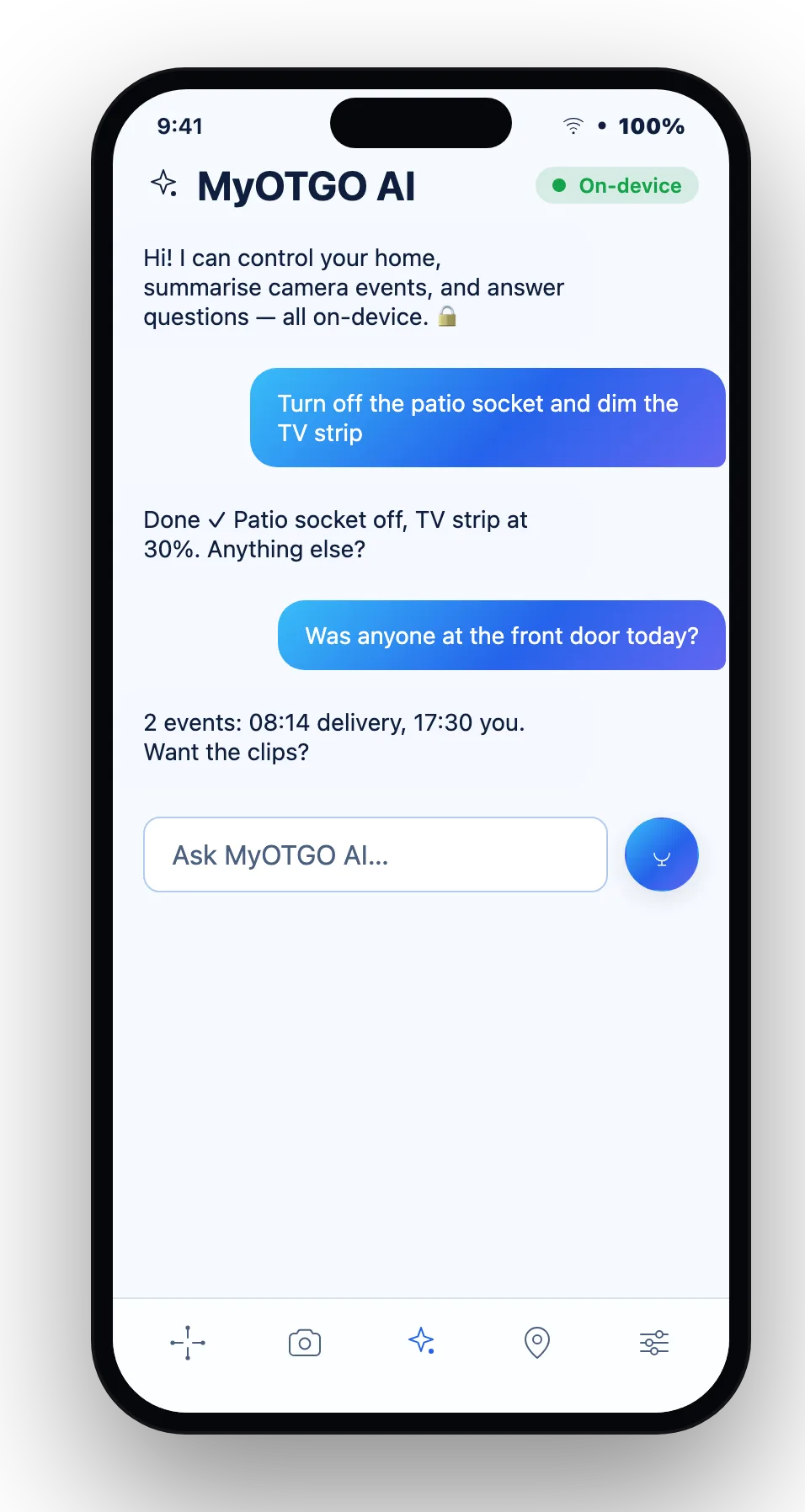
Most tasks take a tap. Here's the hub and the on-device AI assistant in action.
Open dashboard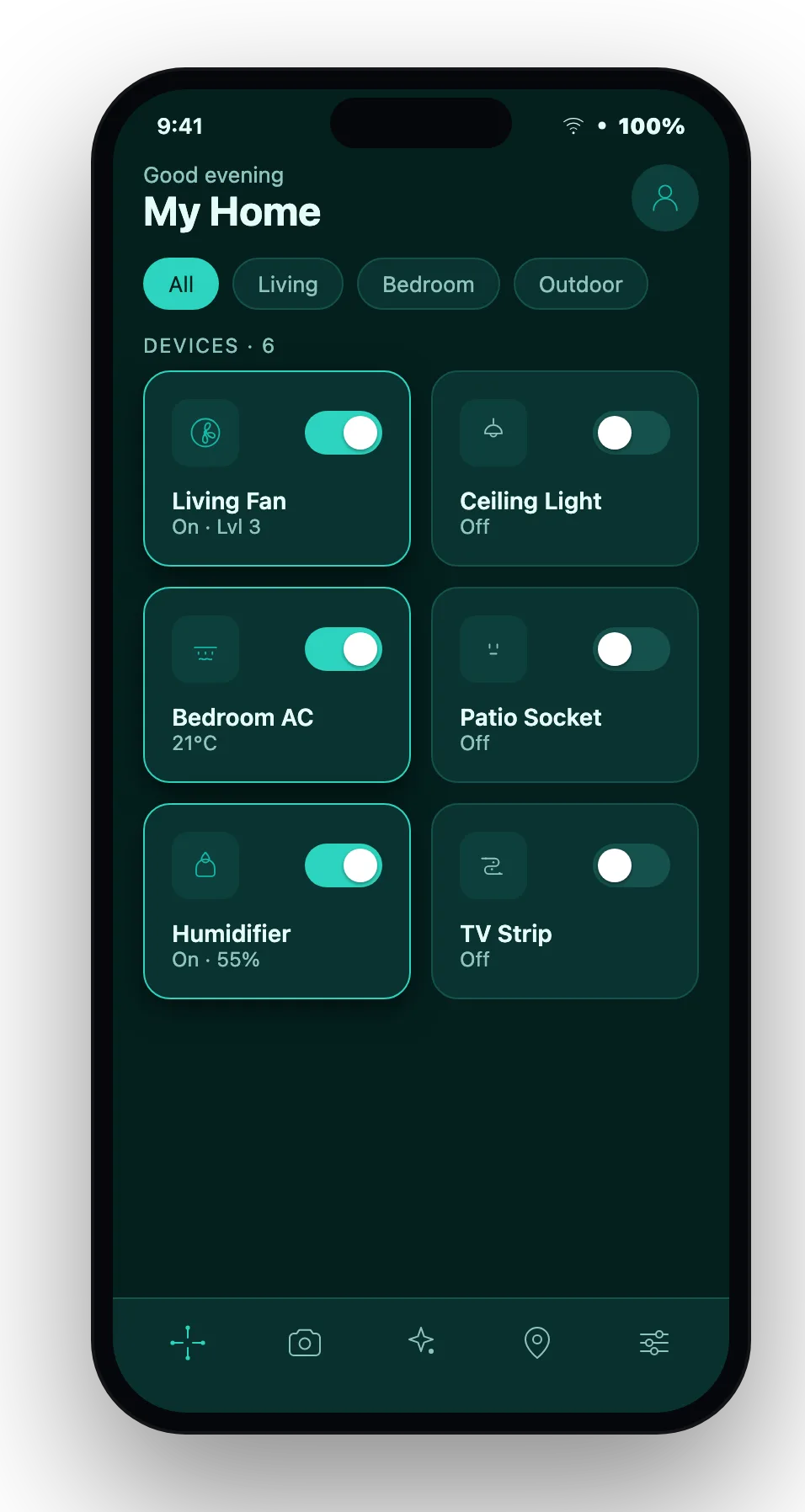
Popular questions
How do I set up my hub and add devices?
Open the MyOTGO app, sign in, then follow Add device — the hub auto-discovers nearby plugs, sensors and cameras. Create scenes from the Scenes tab once devices are paired.
Which devices are supported?
Smart plugs, temperature sensors, cameras and IR-learning remotes, with more added regularly.
How do I pair a camera and view live feeds?
Add the camera like any device, then open it from the dashboard for the live feed. Recordings and streaming settings live on the camera's page.
Is my data private?
Yes — the AI runs on-device and your home data stays yours. See the Privacy page.
What can the on-device AI assistant do?
The private assistant answers questions and controls your devices locally. It works without sending your home data to the cloud.
How do I manage my plan, payments and security?
Open your account from My account → manage your subscription, payment method, password and connected apps there.
How do I change my theme?
Open Settings → Appearance and pick any of the five themes in light or dark.